How AI Photo Calorie Tracking Actually Works
August 25, 2026
What the camera is actually doing
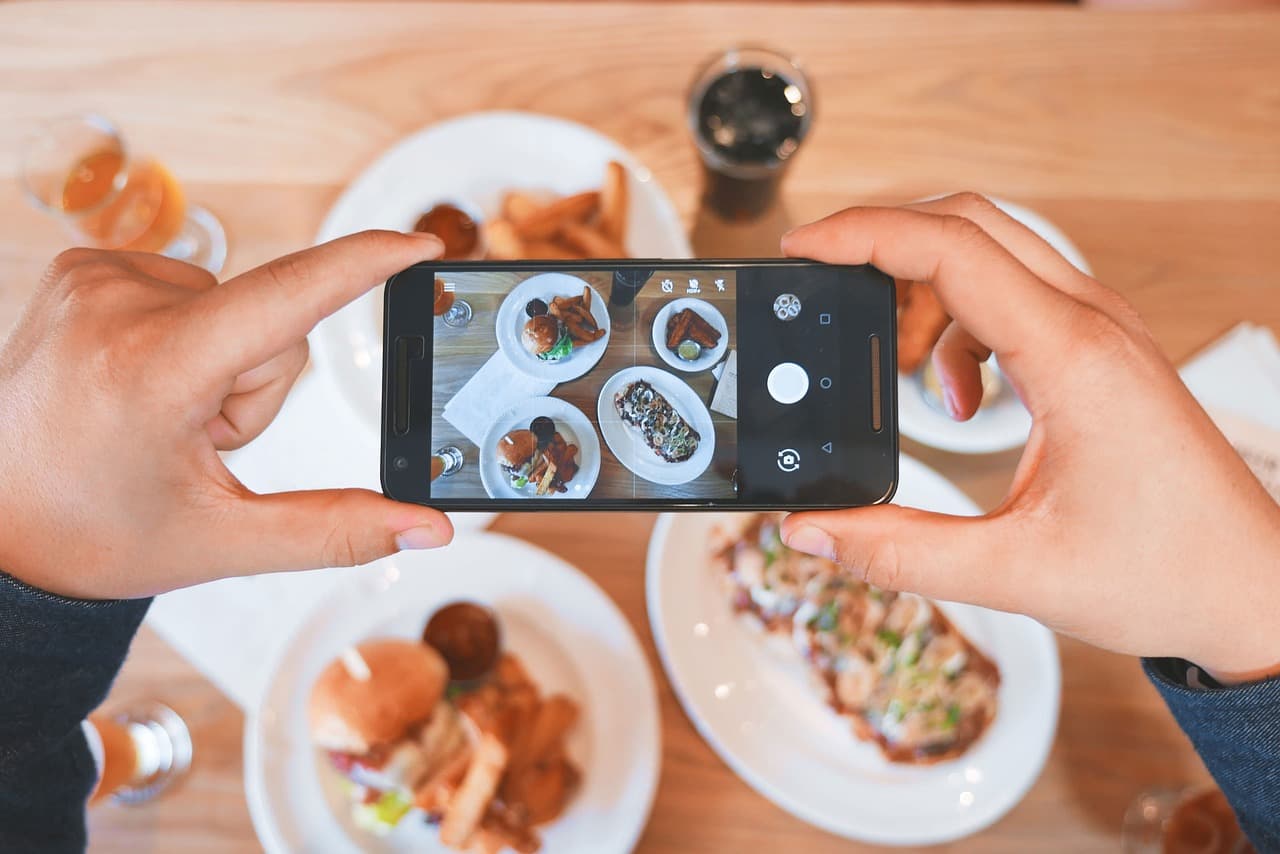
When you point your phone at a plate of food, the app isn't "seeing" calories — nothing can, because calories aren't a visual property. What it's doing is pattern matching: a computer vision model has been trained on huge numbers of food photos and learned to associate certain shapes, textures, and colors with food categories. Grilled chicken breast looks different from a chicken thigh. Steamed broccoli has a different texture signature than roasted broccoli. The model isn't "smart" in the way a nutritionist is smart — it's really good at the narrower job of saying "this region of the image is most likely rice, this region is most likely salmon."
That identification step is the easy part, relatively speaking. The harder part is figuring out how much food is actually there.
Estimating portions from a flat photo
A photo is a 2D projection of a 3D plate. A pile of pasta that looks huge from one angle can look modest from another, and a photo tells you nothing directly about depth. So portion estimation relies on a mix of shortcuts:
- Reference objects — the size of a standard plate, bowl, or utensil in frame gives the model a scale to work from.
- Learned priors — the model has seen enough photos of "a cup of rice" versus "three cups of rice" that it can make an educated guess about volume based on how food typically fills a container.
- Density assumptions — once volume is estimated, the app applies known density and calorie values for that food type (a cup of rice and a cup of leafy greens weigh very different amounts and carry very different calorie counts).
This is inherently an approximation. Camera angle, lighting, how food is piled, and whether ingredients are hidden under a sauce or bun all introduce uncertainty. A photo can't see the oil a dish was cooked in, or tell you if "grilled chicken" was brined in sugar. This is exactly why Calerio treats the photo estimate as a fast starting point, not gospel — you can adjust portion size or swap an ingredient after the scan, and that correction matters more for accuracy than the initial guess.
Matching against a food database
Once the app has a food identified and a rough quantity, it looks up nutrition data — calories, protein, carbs, fat — from a food database. These databases are typically built from a combination of standardized nutrition references (like USDA-style data for whole foods) and branded/restaurant entries for packaged items and menu dishes. This is also where barcode scanning earns its keep: a barcode maps directly to a specific product with a specific, manufacturer-reported nutrition label, which is far more precise than any visual estimate could ever be. If you're logging a protein bar or a can of soup, scanning the barcode will almost always beat photographing it.
Text and voice logging work on a related principle: instead of extracting food info from pixels, the app is extracting it from language ("two eggs and a slice of toast with butter"), then matching those words to database entries. Different input, same underlying goal — turn a description of food into a nutrition estimate.
Why the estimate moves around, and why that's fine
If you photograph the same meal twice from different angles, you might get two slightly different calorie readings. That's not a bug, it's the nature of estimating volume from a 2D image with imperfect depth cues. The honest way to think about photo-based calorie tracking is the same way you'd think about a kitchen scale you eyeball instead of use — close enough to be useful, not precise enough to be a lab measurement.
What matters for actually managing your weight or eating habits is less about nailing any single meal to the exact calorie and more about consistency over days and weeks. A tracking method that's directionally right and that you'll actually use beats a "perfectly accurate" method that takes so long you give up on it after four days. That's the real value of the AI shortcut: it removes the friction of manually searching a database and typing in gram weights for every ingredient, so logging a meal takes seconds instead of minutes.
Where the human still comes in
Good photo-tracking tools are built assuming the estimate needs a human check, not blind trust. That's why editing matters as much as the scan itself — swapping "white rice" for "brown rice," nudging a portion up or down, or adding the tablespoon of oil the camera couldn't see. Calerio also uses your logging patterns over time to adjust weekly targets, which helps smooth out the fact that any single photo estimate has some error — the trend across a week is more reliable than any one reading.
None of this requires the tech to be perfect to be genuinely useful. A photo scan that gets you most of the way to a correct log, in a few seconds, and lets you fix the rest with a tap, is a real improvement over either guessing blind or not tracking at all. That's the actual promise of AI-powered food tracking: not lab-grade precision, but a fast, low-friction way to stay roughly honest with yourself about what you're eating — synced to Apple Health so it's part of the bigger picture, not an isolated number.